23 October 2026 · Revised opening and quiet driving interface. The previous living-sea game is approved; this introduction is a new revision. Desktop, touch-sized and reduced-motion browser journeys passed.
Open → Play → meet your launch
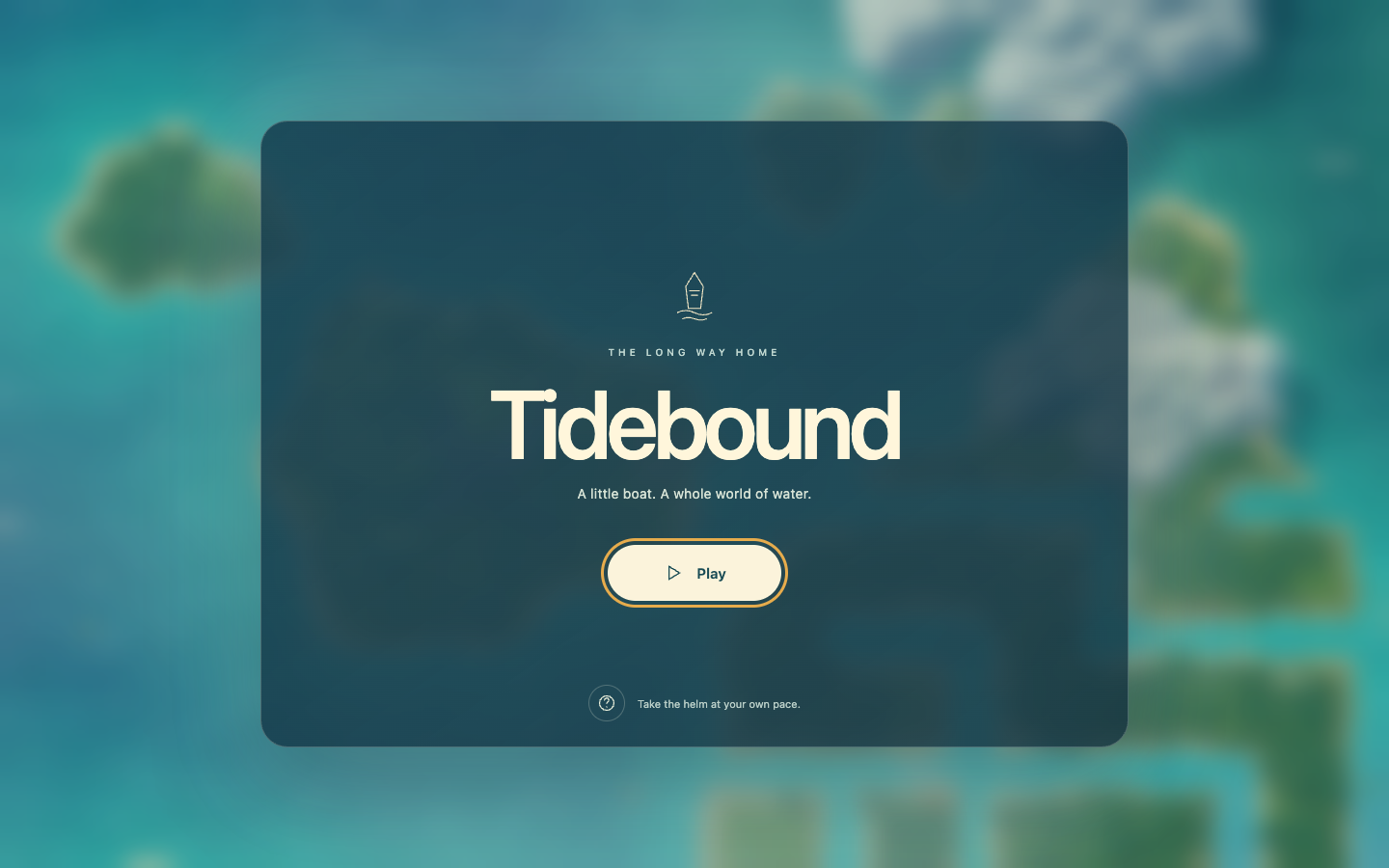
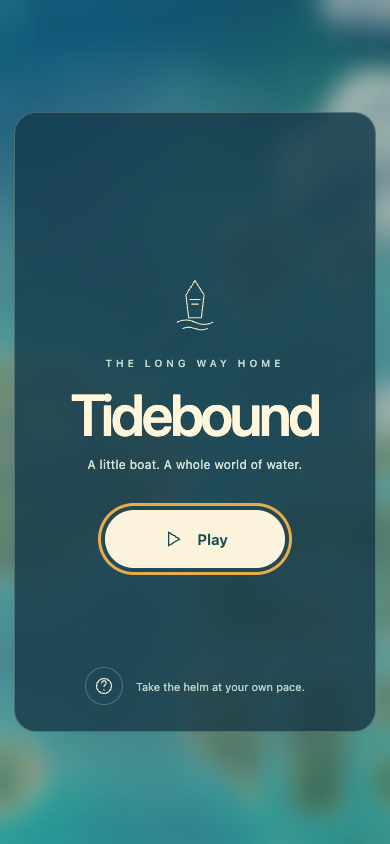
Centered title menu over a blurred live sea. Play and Help are the choices. Returning players see Continue.
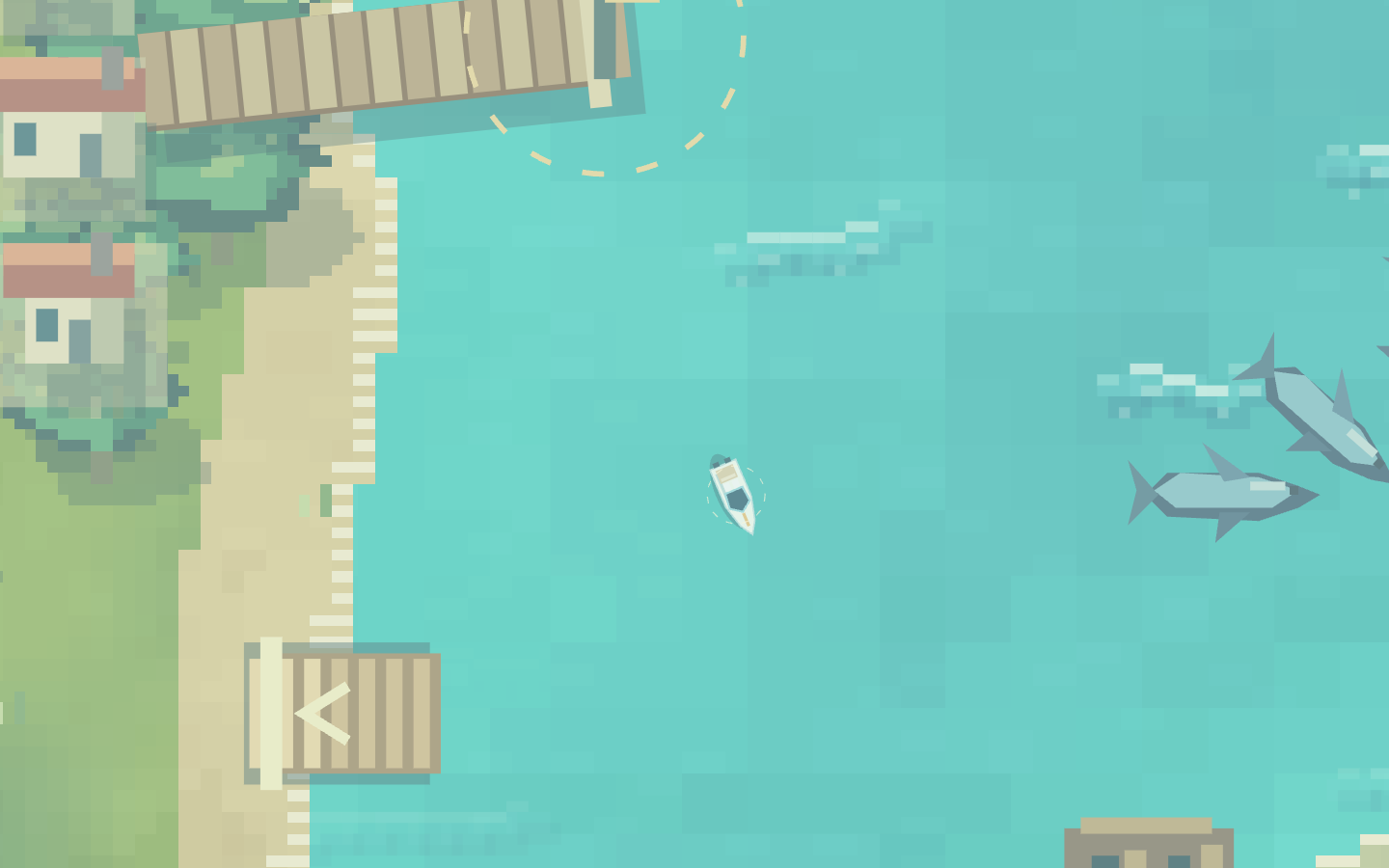
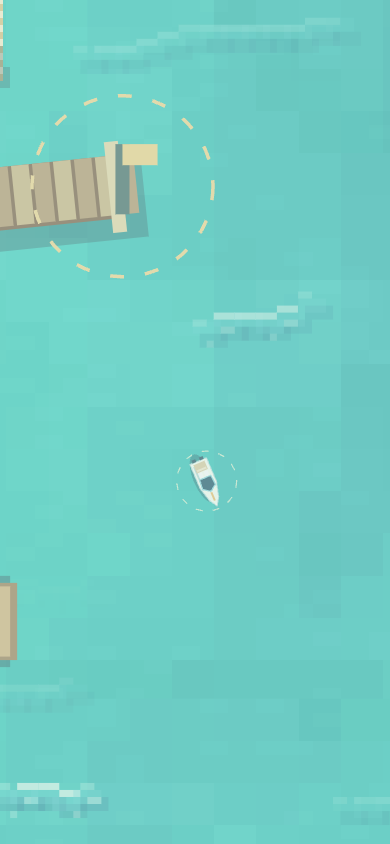
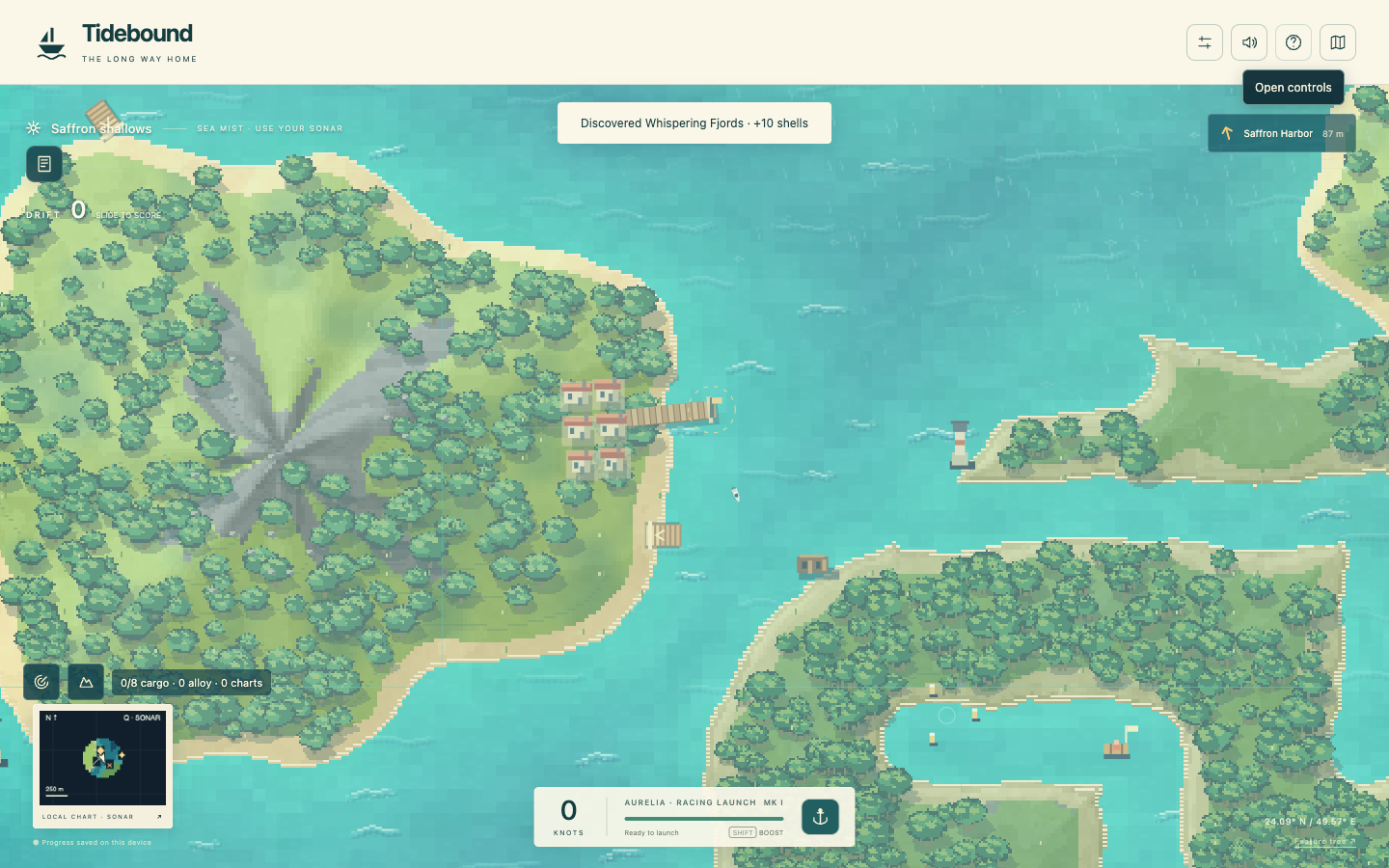
Play fades the menu and approaches the actual boat from the wide overview. The boat gently rocks during its close-up. The camera eases back to your chosen racing zoom; hull size and driving physics are unchanged. Escape or a tap skips the flight.
Actual close-up with a brief locator ring. The unrelated harbor ring in this early capture was subsequently removed unless a course is selected.
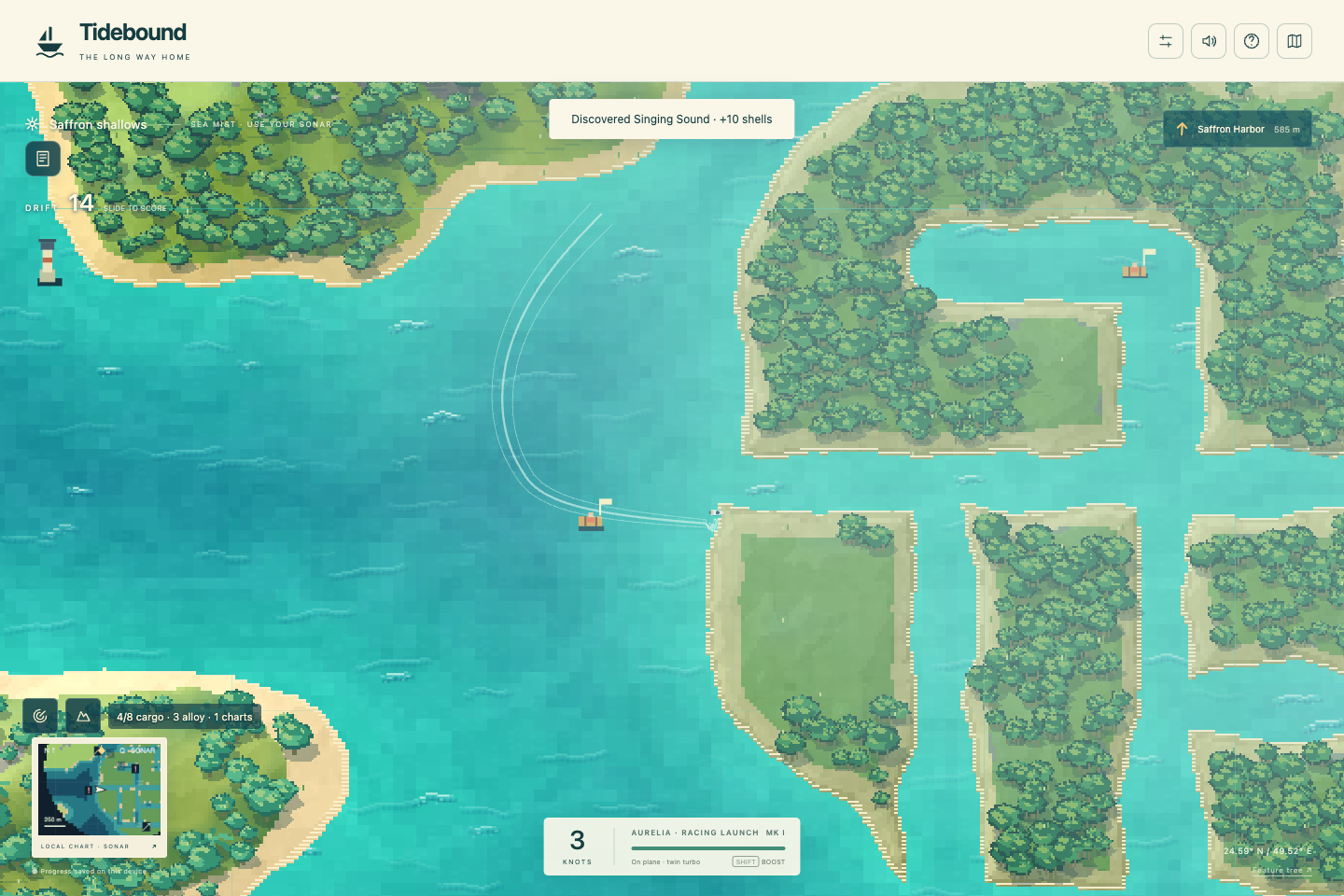
Move → steer → let the cues leave
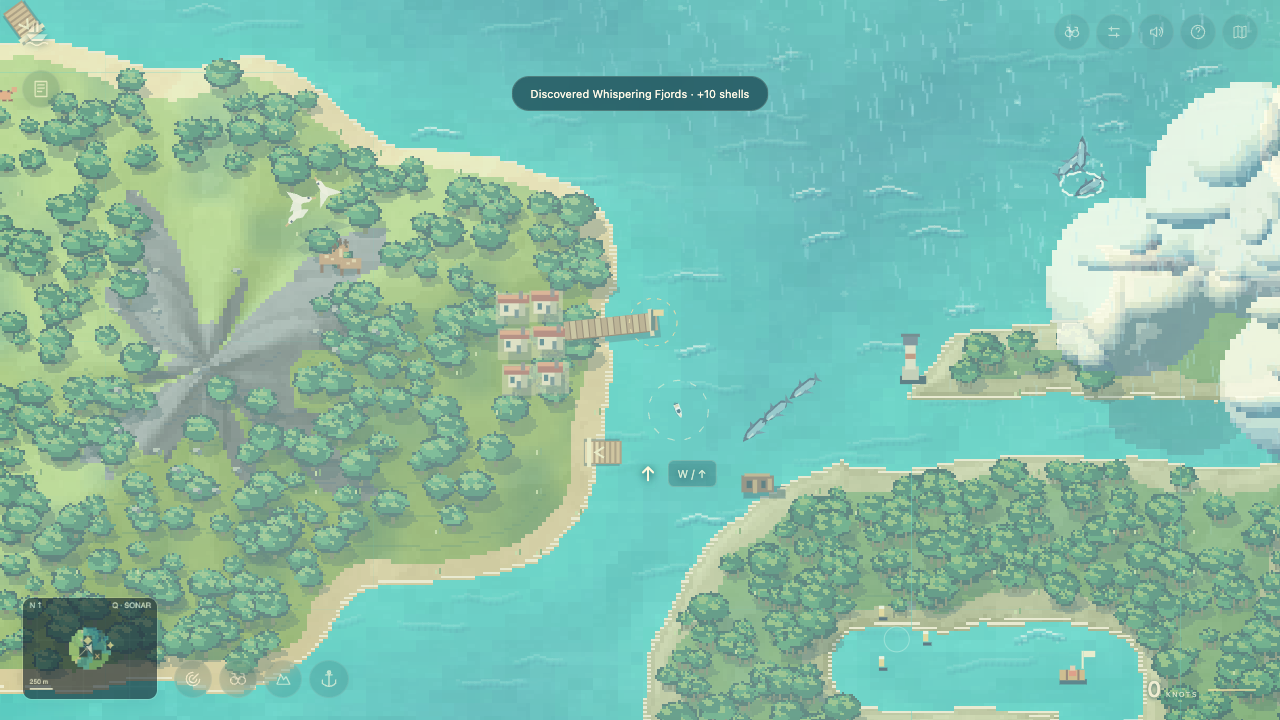
First-time throttle and steering cues react to input, then disappear. Each expires after five seconds; touch users get a highlight on their existing controls.After the entrance: unobstructed sea, quiet corner icons, small speed/boost readout and minimap. No permanent control instructions or engine description.
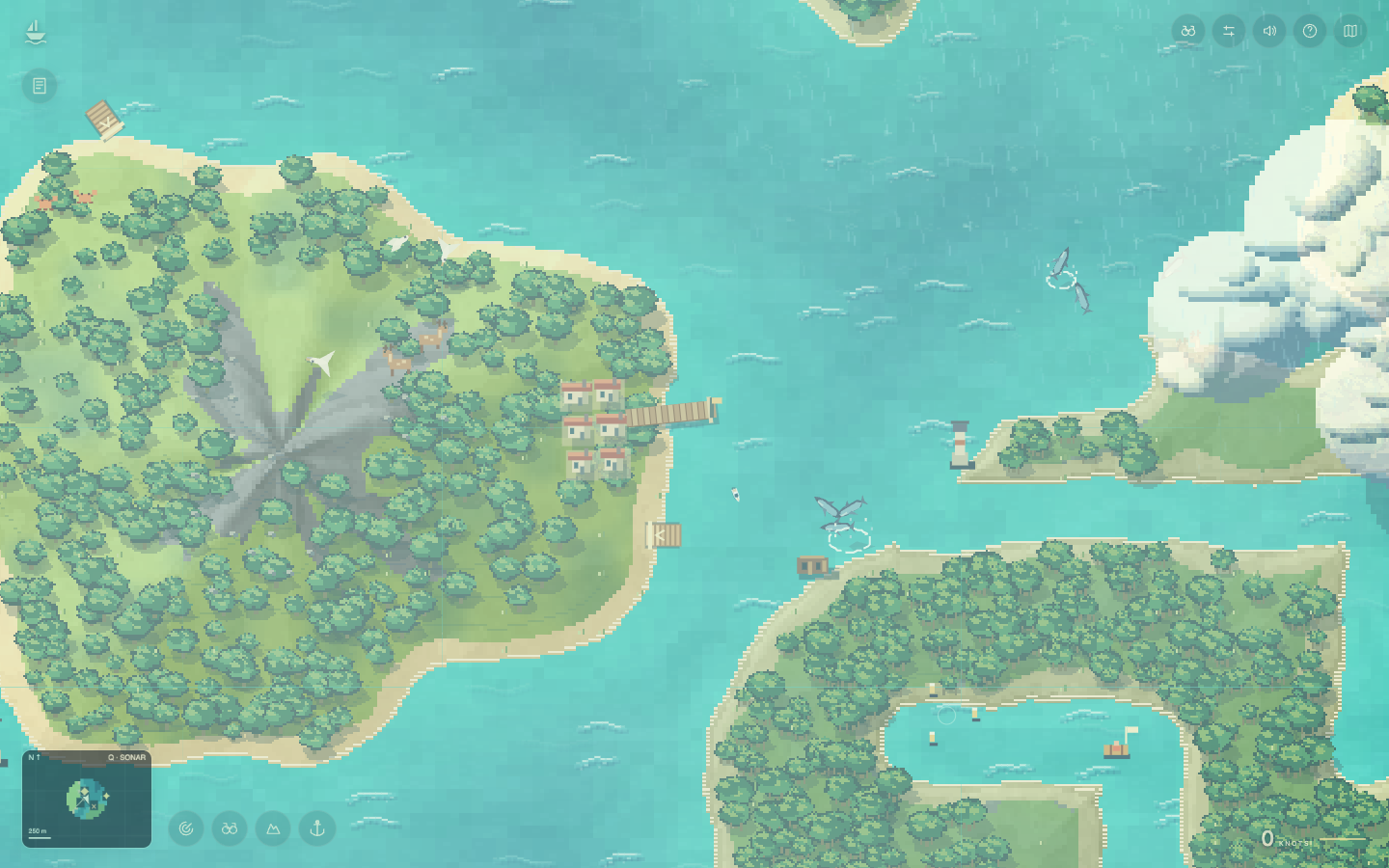
H or ? opens the full guide, current activity and introduction replay. Hover or focus an icon for its explanation. Active work and brief result messages still appear when needed. Route indicators appear for selected courses, parcel voyages and races.
Phone, returning players and reduced motion
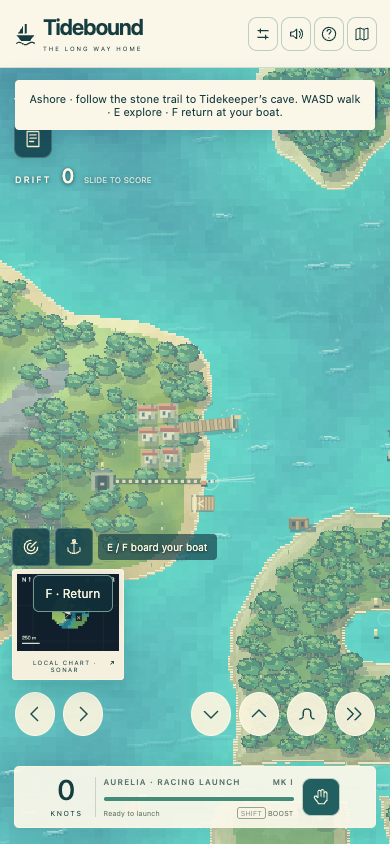
390×844 menu; no horizontal overflow.The boat reveal on a phone-sized screen. Touch driving controls keep their established positions.
Browser checks: Play → reveal → move → Help → return → reload → Continue. Movement remained locked behind the menu. Returning players get a shorter entrance without first-time cues. Reduced-motion mode uses a short fade without camera flight or bobbing. Physical-device testing remains open.
Five frictions repaired
Invisible boat: real camera approach, close-up and temporary locator identify the player.
Text covering the game: instructions live in Help, short cues expire, and idle field/engine copy is hidden.
Input leaking through the menu: movement locks and keyboard focus stays between Play and Help.
Entrance continuing behind Help: the camera now pauses there; Escape/tap skips it and Help can replay it.
Unselected harbor stealing attention: no default destination marker or ring; chosen courses and active voyages retain navigation.
Applied Motion guidance: opacity/transform menu exit, smooth camera interpolation in the existing render loop, no per-frame layout reads for the entrance, and reduced-motion alternative. Mechanics catalog: teaching through level design and keeping goals in the journal.
Previous living-sea release
A living sea, with places to look
Local review · 23 October 2026. The previously approved miniature racer remains the baseline. This update adds moving weather fronts, wildlife observation and camera choices. These screenshots show the running game; seeded encounter fixtures are explicitly identified. Petr approved this build for publication. The game is now live at speedboat.calmmage.com.
1. Cast off → meet a pod → record a sighting
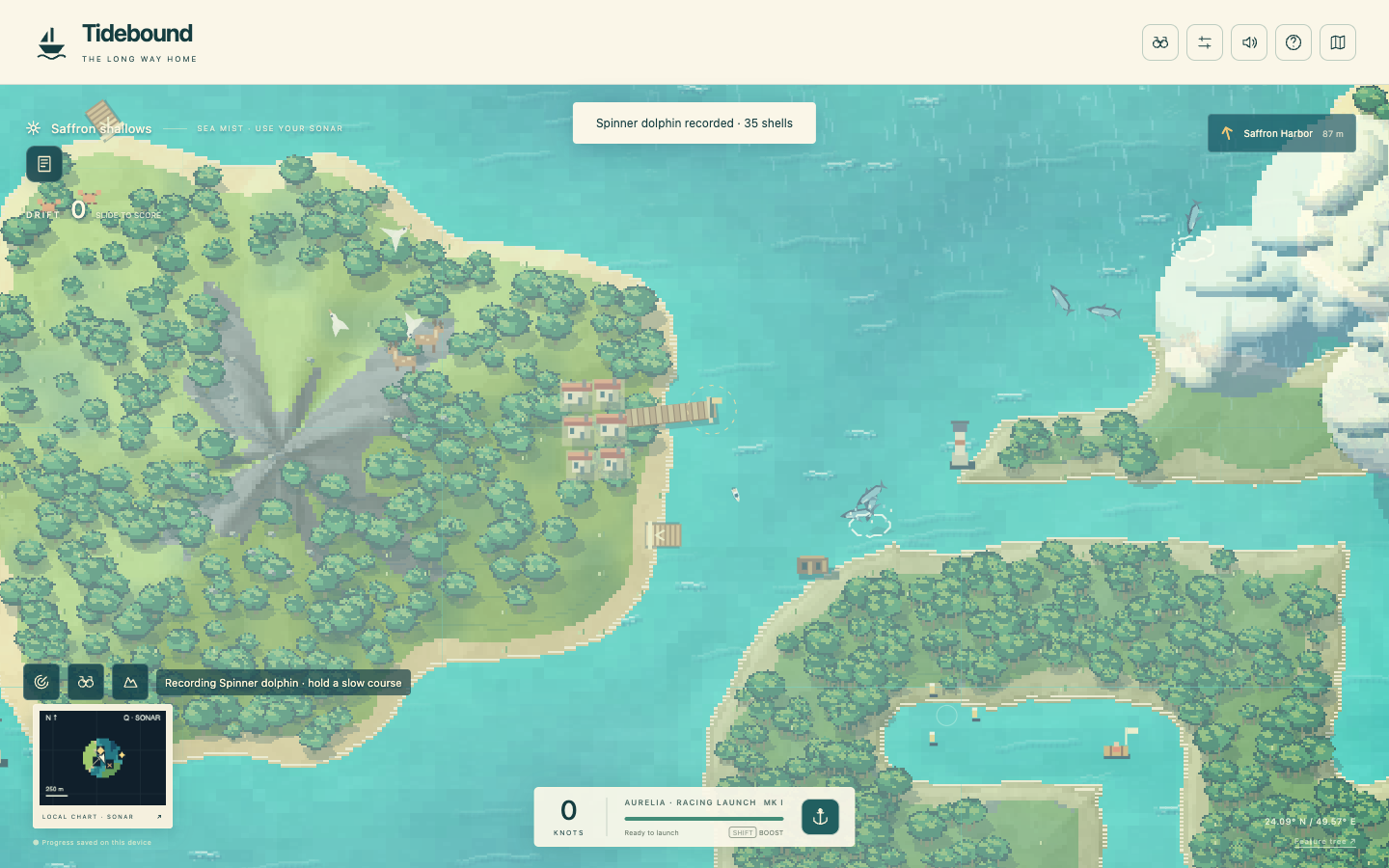
Normal fresh entry, actual O key, completed three-second dolphin observation and +35 shells. No encounter teleport for this journey.
Press the play triangle, then slow alongside the starter dolphins. The binocular action or O records a sighting. Going too fast cancels observation. First sightings earn shells and reveal nearby water; the journal survives reload. Three recorded species unlock a field lens, and sonar upgrades extend observation range. E continues to prioritize docks, salvage and existing work.
2. Open the binocular guide → choose a habitat → follow a course
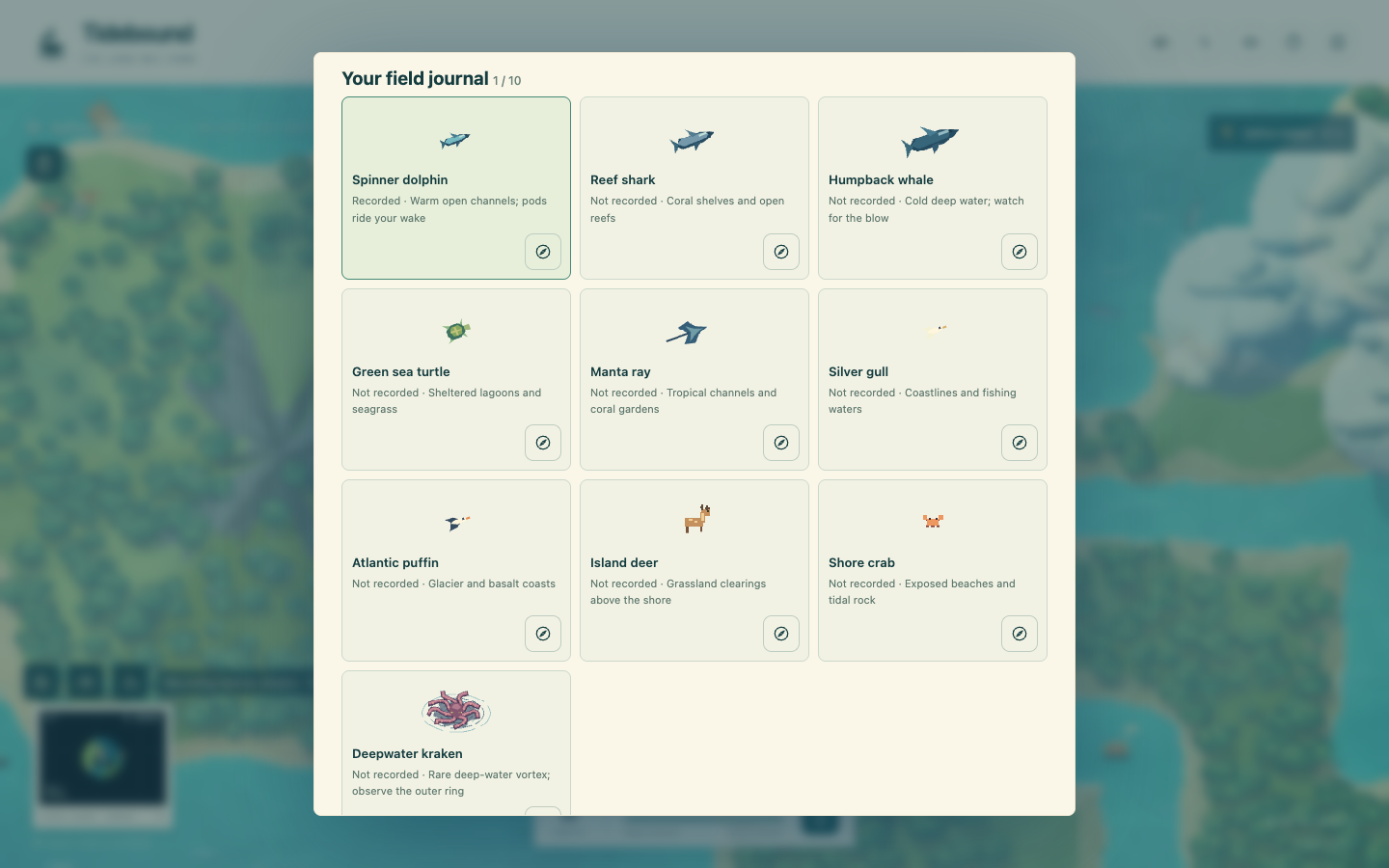
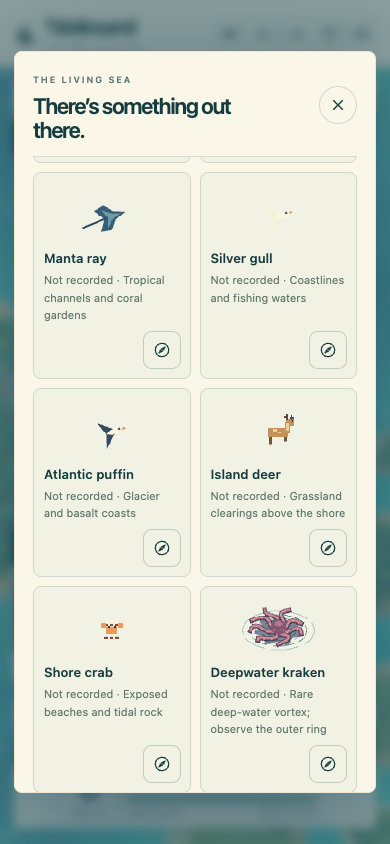
Ten species with their habitats, recording state and individual compass actions.
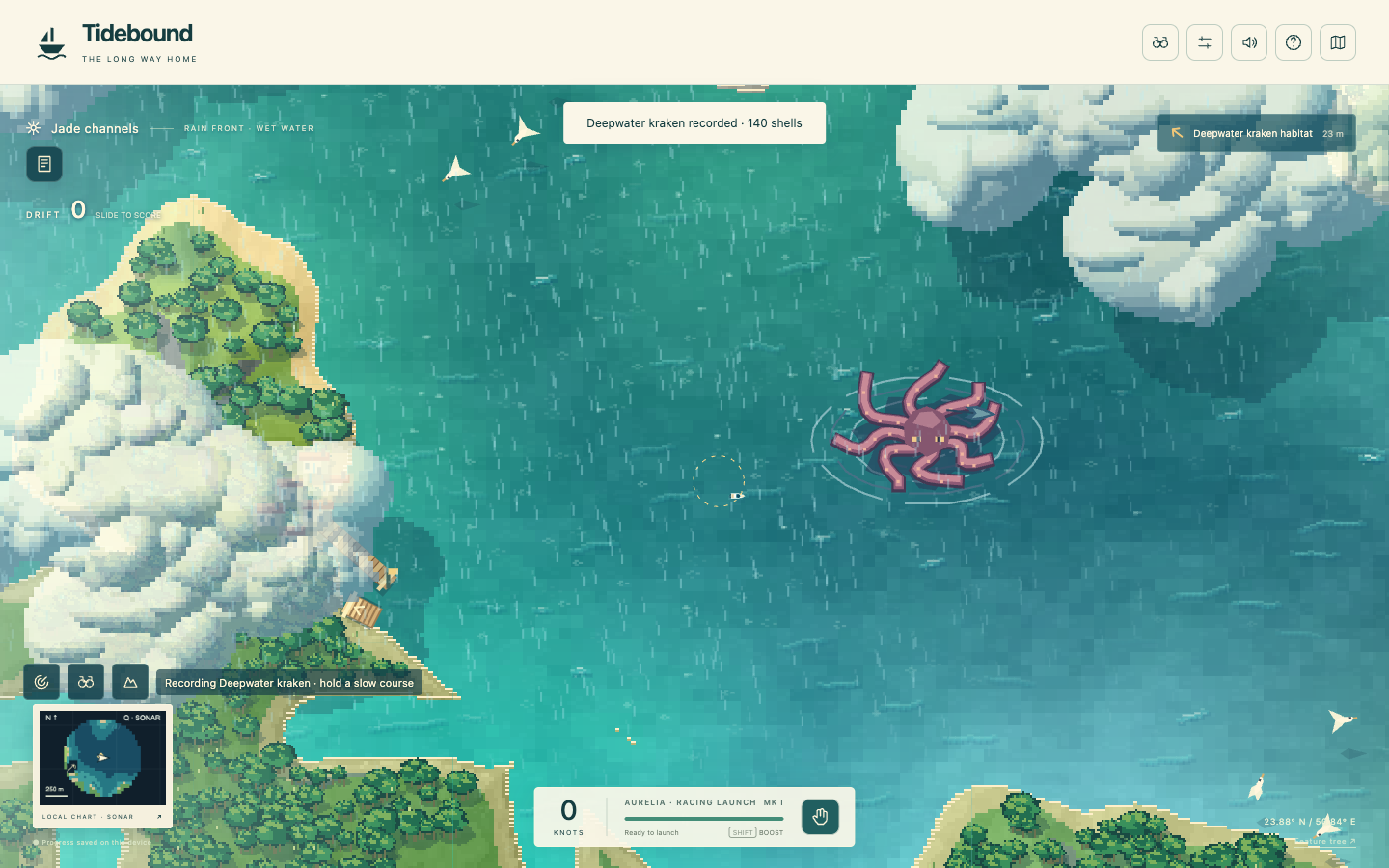
J or the top binocular icon opens weather reports, nearby wildlife and the field journal. A compass sets a course toward an existing habitat. Dolphins surf the wake; sharks and whales breach; rays, turtles and birds inhabit suitable waters. Deer and crabs live on real land. Rare krakens have an ink warning ring and a safer observation perimeter.
Seeded encounter fixture near the kraken: choose its habitat through the guide, press O and keep a slow course. Actual completion awarded 140 shells. This is interaction proof, not a full voyage from the starter harbor.
3. Follow a forecast → enter a front → steer through the sea
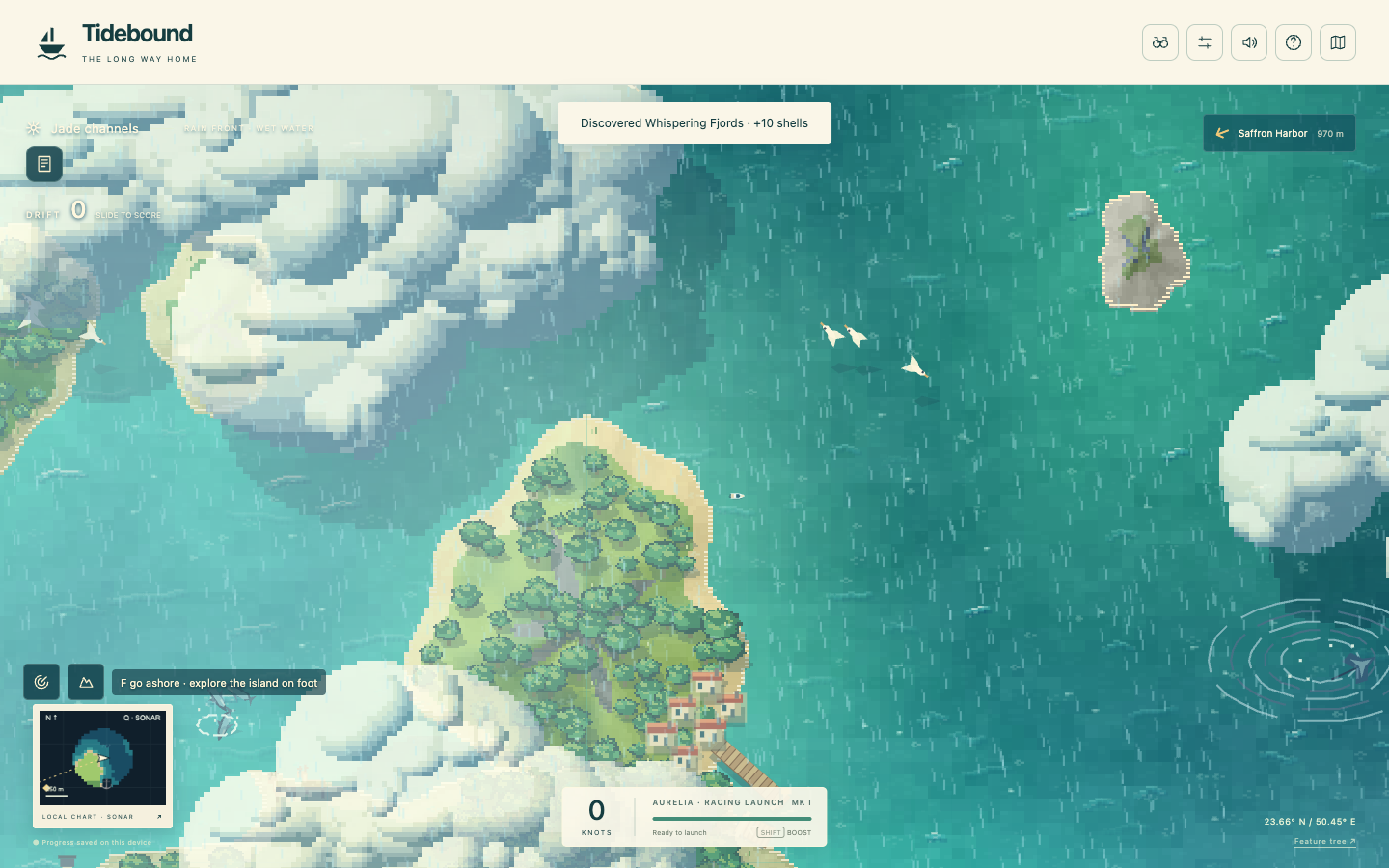
Seeded rain-front fixture with cached pixel cloud volumes, shadow, local rain and water impacts.
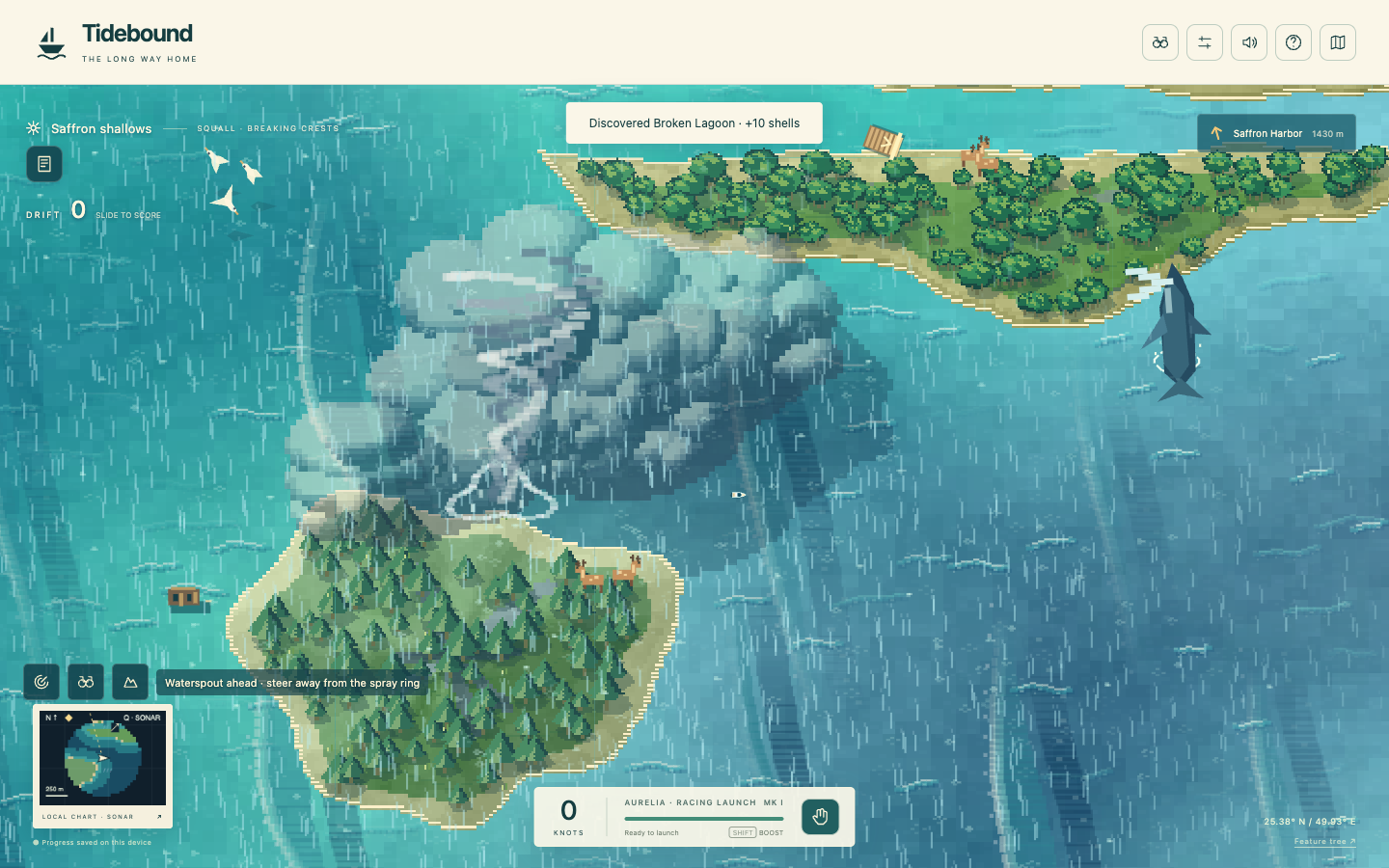
Cloud banks, rain, fog, snow and storm cells occupy world coordinates and move over time. Lightning belongs to storm cells. Large breaking crests and waterspouts have matching water forces; the boat visibly rides the crests. Storm Rudder upgrades reduce wind and wave push. The forecast compass plots an approach to a real front, keeping waterspout destinations outside the core.
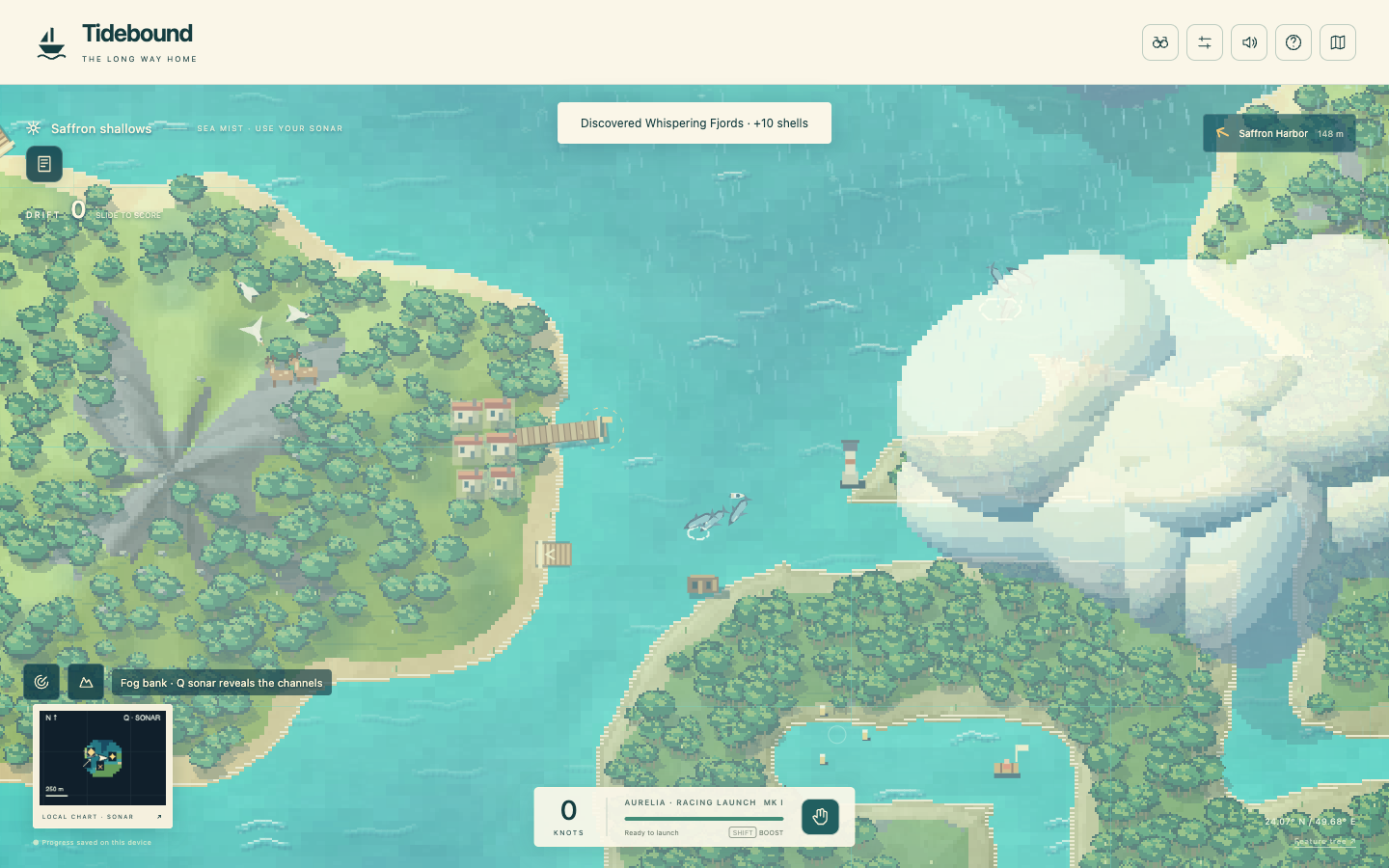
Seeded waterspout fixture: visible rotating funnel and spray ring, adjacent breaking crest and whale. Holding throttle and boost moved the boat 196 world units clear in 0.9 seconds.Local fog fixture. This capture predates the final cloud silhouette refinement; fog behavior is unchanged.
Separate keyboard fixtures sampled cloud, storm, rain and fog at about 16.2–16.5 ms per frame after warm-up in the test browser. Weather tests cover shared render/force coordinates, bounded forces, safe forecast approaches and signed world coordinates. Lightning timing and snowfall have functional coverage, but no dedicated lightning-frame or snow screenshot is claimed here.
4. Choose a camera → accelerate → slow down
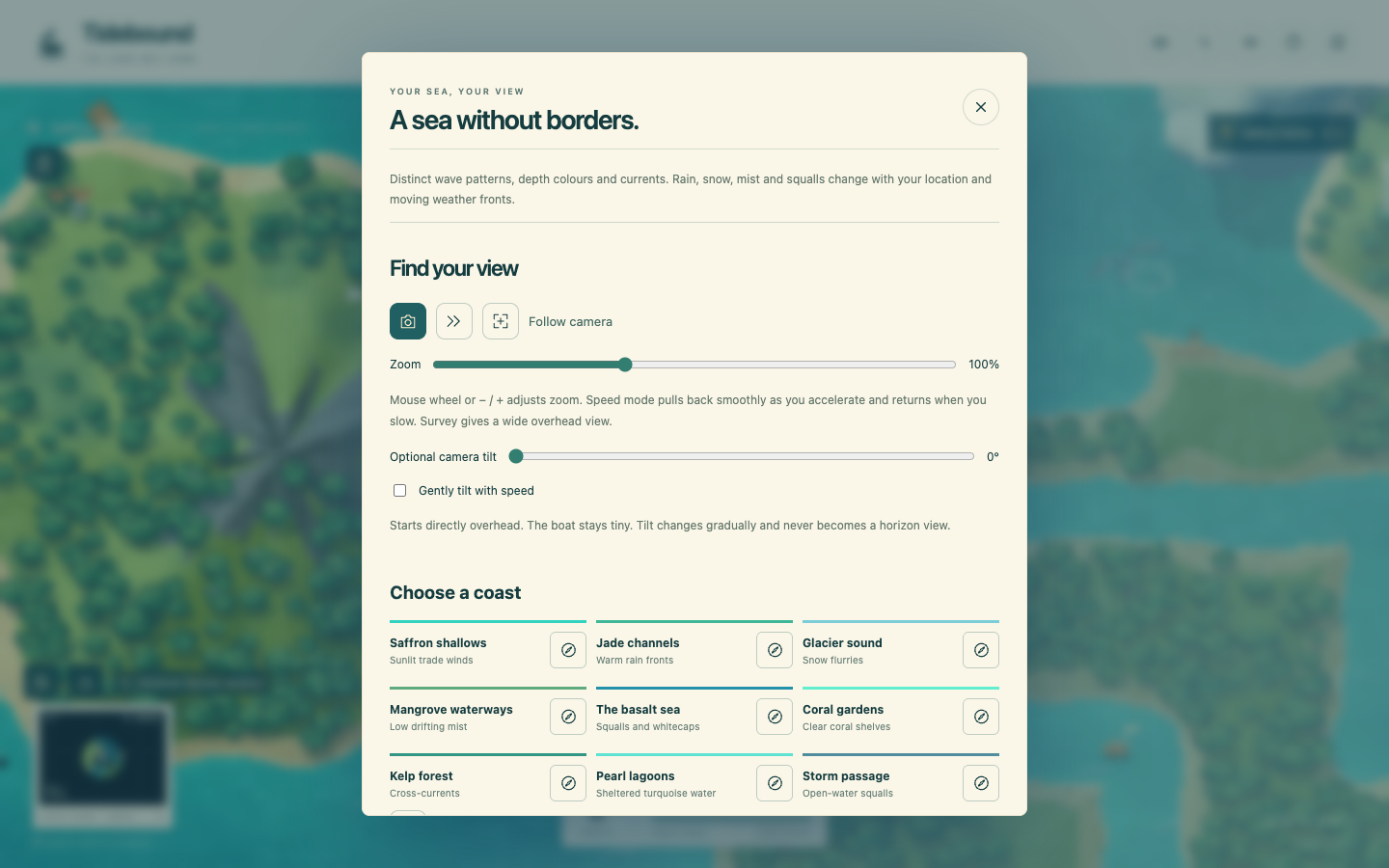
Actual settings panel: Follow, Speed and Survey icons, manual zoom and optional tilt. Coast names sit beside destination icons.
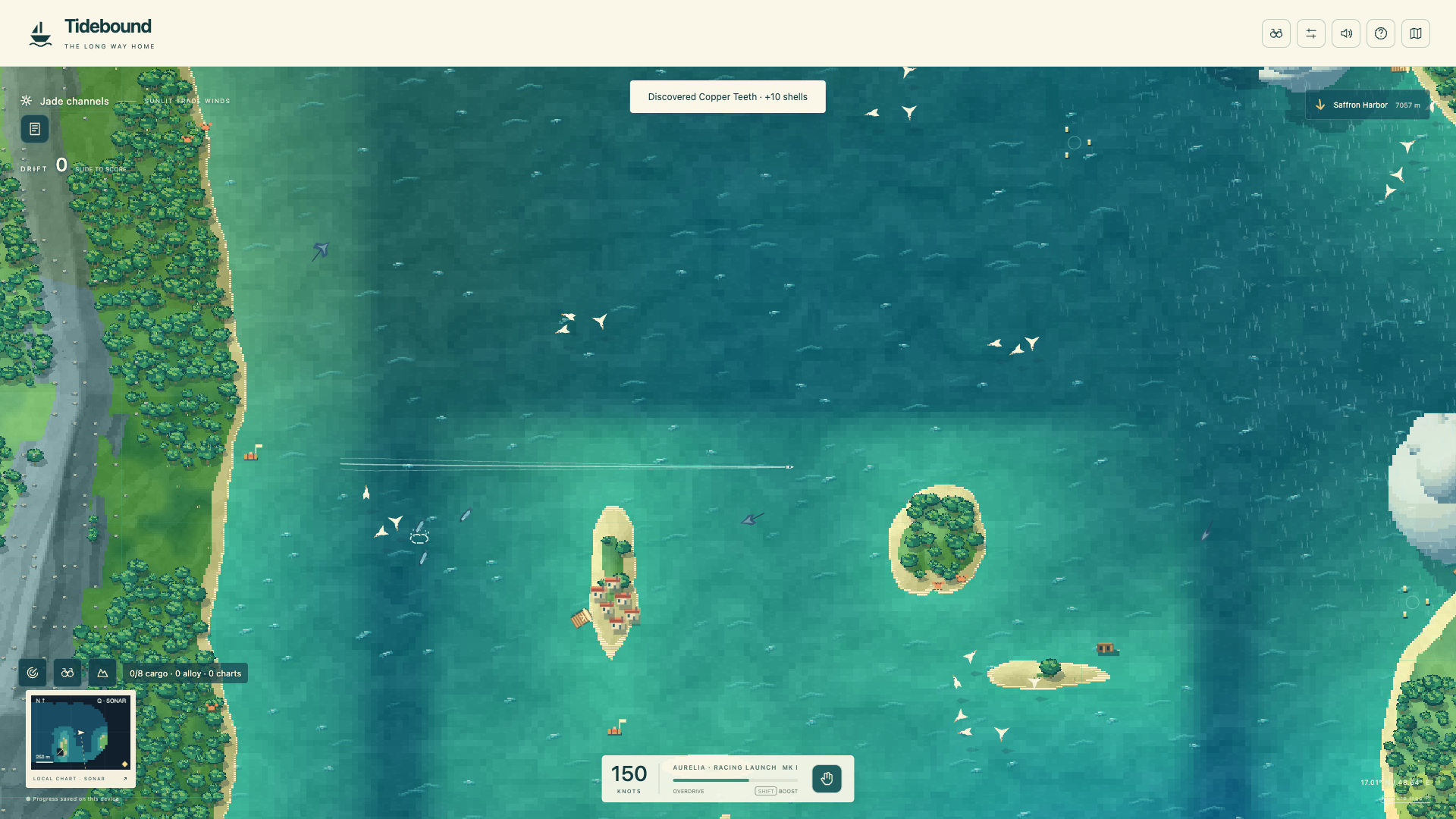
Follow preserves the approved default top-down framing. C cycles modes; Speed eases outward as speed increases and returns when slowing. Survey gives a wide view. Wheel or −/+ adjusts manual zoom. Mode and manual zoom persist across reload. Walking does not trigger a speed pullback.
Actual W + Shift acceleration in an open-water fixture: speed 682, camera scale 0.675 while easing toward 0.601; after coasting it returned to 0.979. A 4K viewport uses a bounded 1920×1080 drawing surface and retains meaningful Survey zoom.
5. On a phone → browse → return to driving
390×844 touch-emulated browser, scrolled to the journal’s final species. The close control stays available. Actual taps closed both journal and settings and returned to the game; no horizontal overflow or page errors.
Touch observation completed and saved a sighting. Camera mode and manual zoom were changed through the phone controls. Physical-device testing remains open.
Five frictions found and repaired
Zoom caused repeated terrain rebuilding: terrain and ocean caches now accommodate the visible area. An identical second-view check rebuilt zero tiles; large displays use a bounded drawing surface.
Animals competed with salvage and dock interaction: observation has a dedicated O/binocular action. Existing work retains E priority, and the selected animal takes observation priority.
Hazard courses could lead into a funnel: waterspout waypoints now use a water-safe outer approach; kraken routes also approach outside the inner ring.
Camera controls were buried below anonymous coast buttons: camera choices appear first; coast names accompany their icon actions.
Phone journal lost its exit while scrolling: sticky panel headers keep close controls visible. Both panels passed tap-to-return checks.
Roadmap, not yet built: dedicated wildlife charter voyages, mapped storm-shelter routes and purchasable forecast instruments. The current guide provides forecasts without a purchase. Full long-voyage balancing and physical-device testing remain open. The separate Cloud Atlas experiment is unchanged.
Earlier world and obstacle review
The following evidence describes the preceding build, which you approved before this addition.
A tiny racer in a continuous world
Local browser review · 23 October 2026. These are captures of the running game. Module tests, positioned regression fixtures and actual keyboard journeys are distinguished below. No public deployment or full owner acceptance is claimed.
1. Open → play → steer
Actual desktop game with icon controls and hover explanation. Keyboard focus also exposes the explanation; Enter opens the chart.
The play triangle starts the game. W accelerates, A/D steer, S brakes and reverses, Shift boosts and Space loosens the stern. The approved tiny boat, speed and drift are retained. Camera starts directly overhead. Settings allow optional gradual tilt.
2. Touch the coast → slide or reverse out
Coastal regression fixture: positioned beside the shore, then driven with actual keyboard input.
Coast contact removes motion into land while preserving motion along or away from it. The engine retains thrust so reversing works. In the recorded head-on case, reverse moved the boat 139 world units clear. Glancing contact slid 215 units, then turning escaped another 331 units. Geometry is still solid: this does not let the boat drive through cliffs.
3. Find a site → work → keep the reward
Keyboard navigation to the starter survey, then E and station-keeping. The completed survey awards chart intelligence and shells.
Sonar reveals nearby signals. Wreck salvage yields alloy and relics; surveys yield charts; materials fund workshop upgrades and beacon restoration. Rescue cargo must return to port. Shared economy, cargo limits, prerequisites, one-time rewards and reload behavior pass functional tests. A complete keyboard voyage through trade, upgrade and newly unlocked content remains open.
4. Land → follow a trail → explore → return
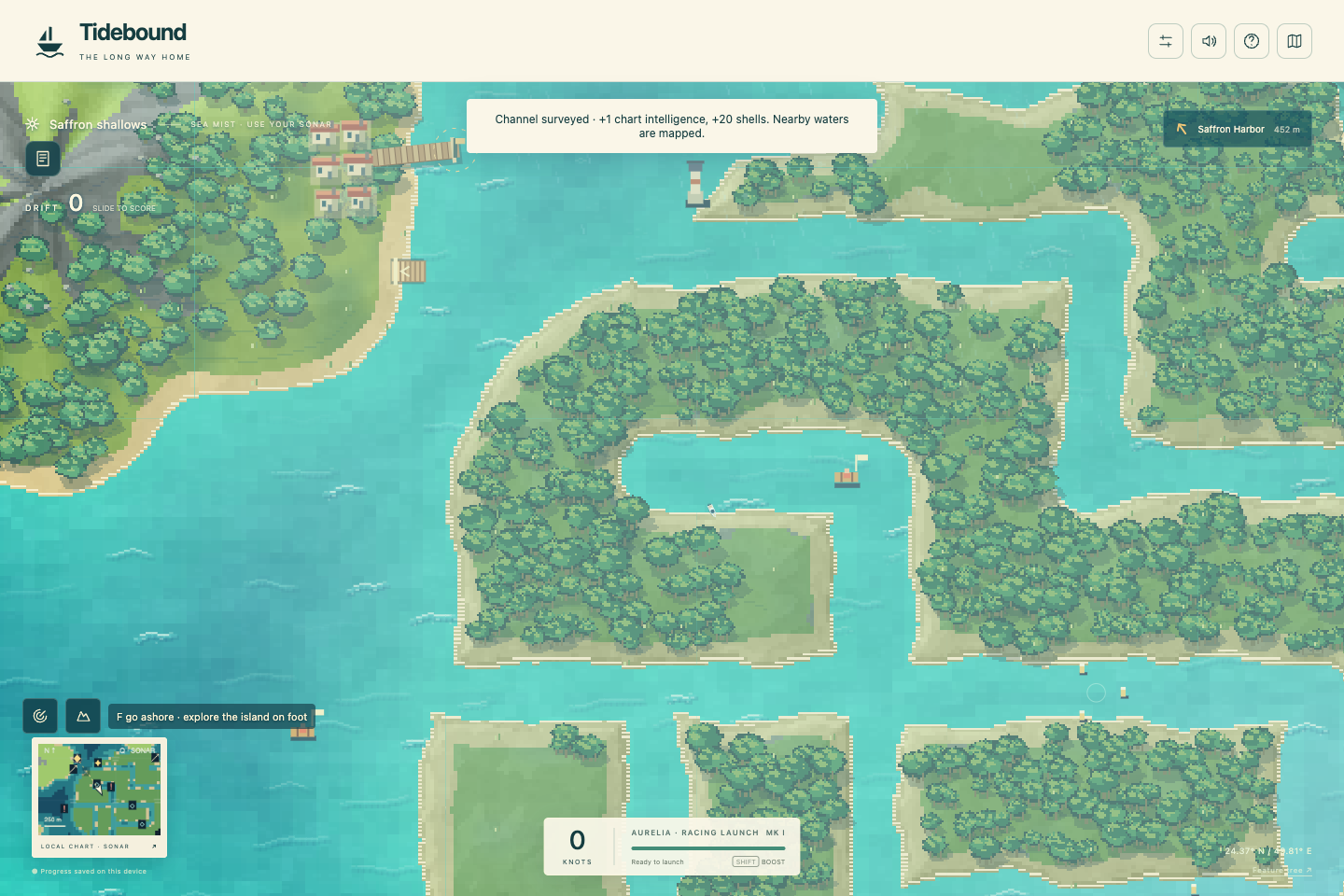
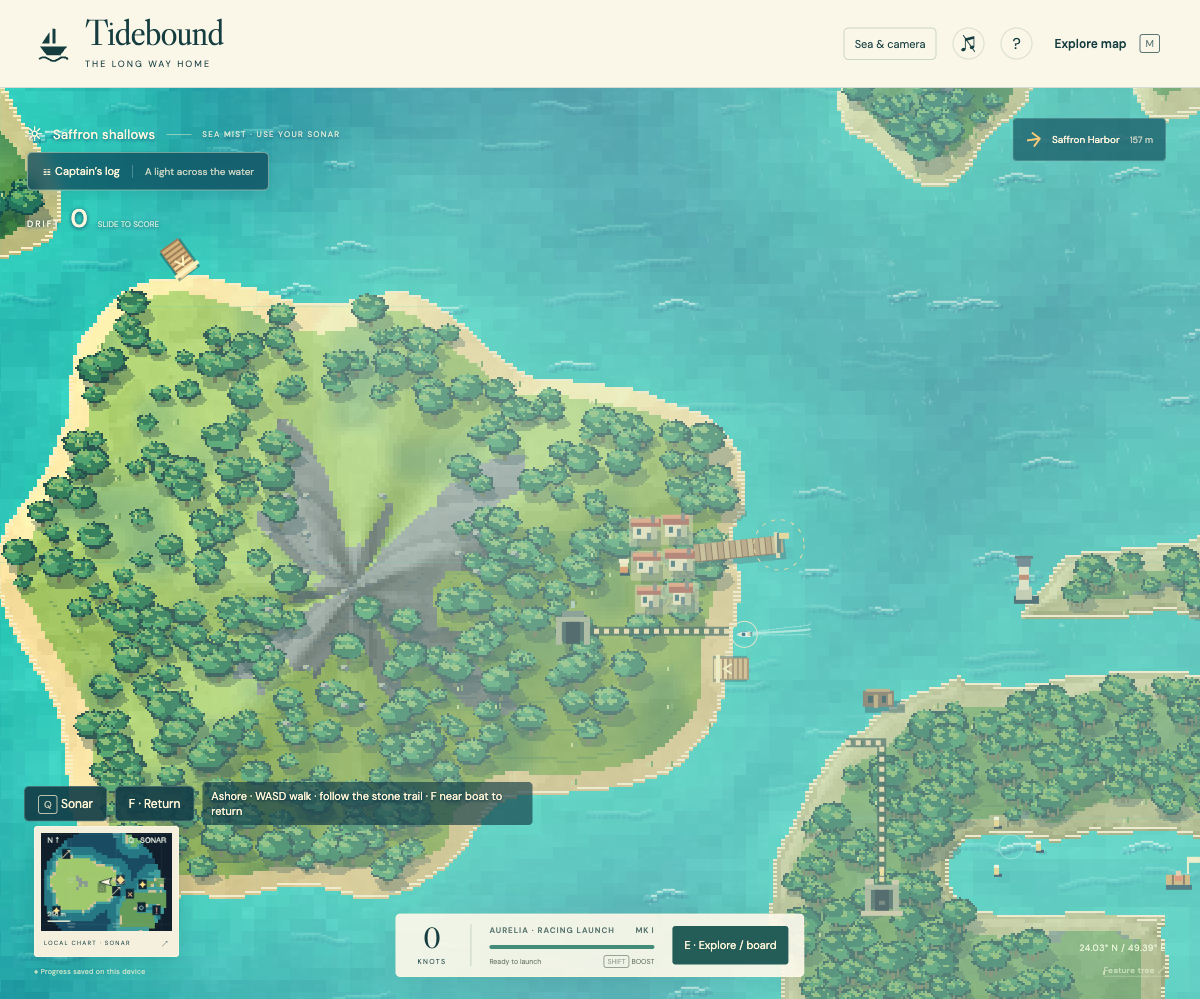
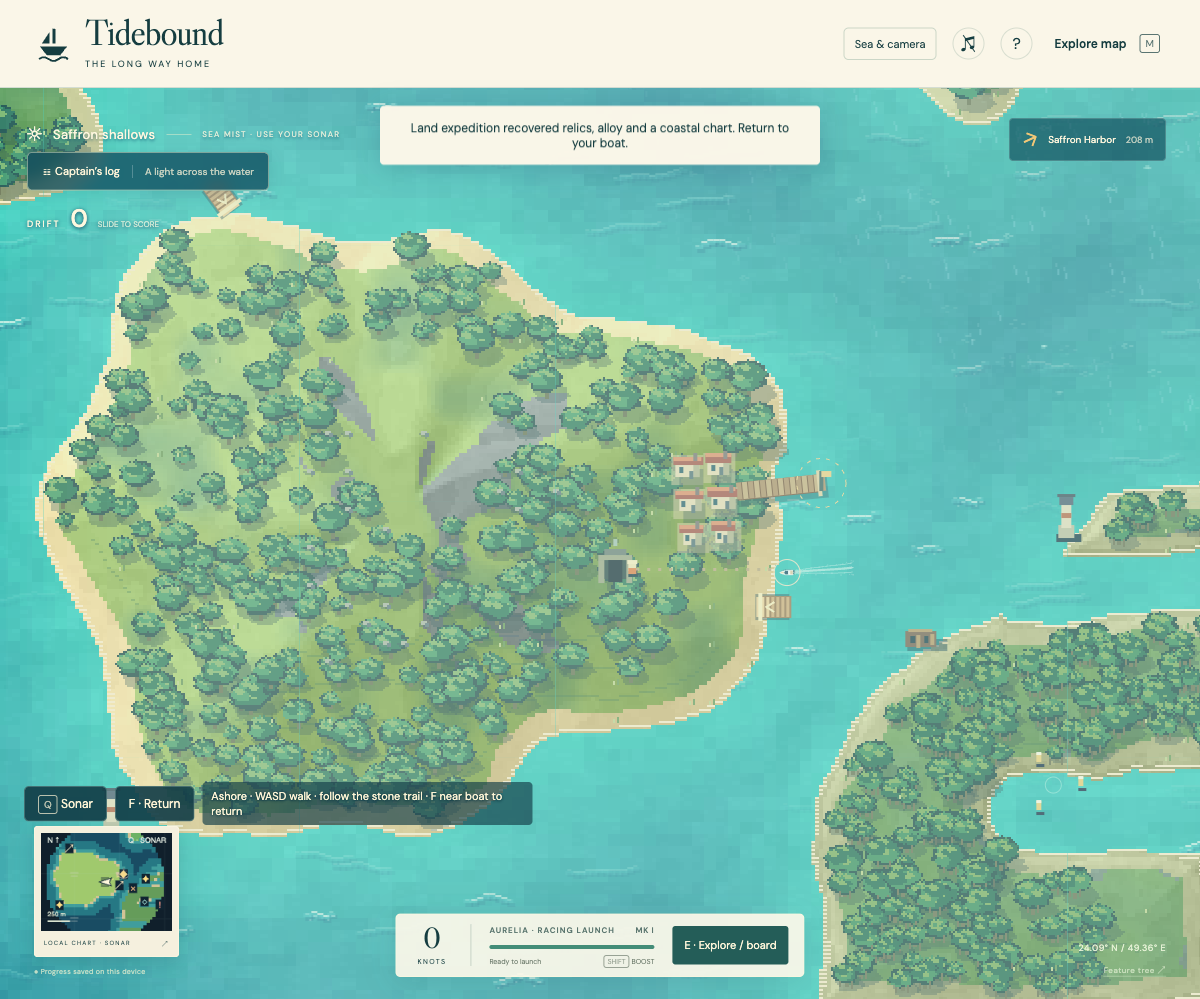
Independent browser review: brighter stone trail on a real shoreline. This capture precedes the final icon styling.Actual keyboard cave discovery: resources enter the shared cargo inventory. Reviewer then walked back, reboarded and used sonar.
F lands at a low shoreline. WASD walks; E explores a landmark. Return along the trail and use E/F near the moored boat. Walking saves periodically. Tow recovery exits walking correctly while preserving discoveries.
5. Chart unknown water → set a course
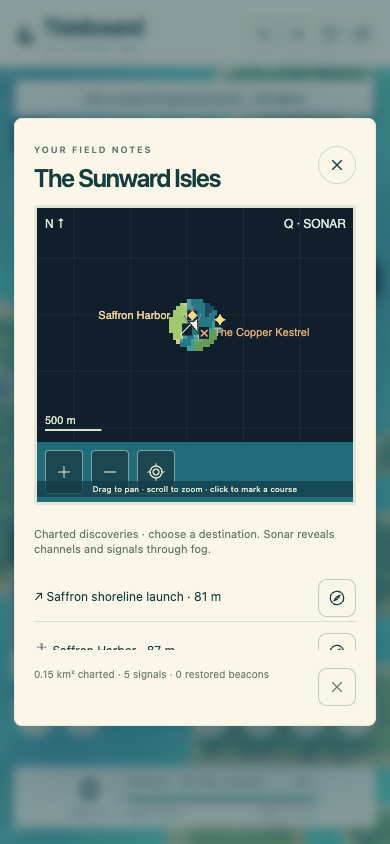
390-pixel browser layout. The chart renders at its displayed resolution; names remain readable beside icon actions. Zoom, recenter and destination controls have tooltips.
The minimap follows the boat; M opens the larger chart. Pan, zoom, sonar and restored beacons work with persistent fog of exploration. Unknown sites are not exposed by the chart. Map geometry matches the terrain used for collision. Touchscreen emulation is checked separately from a physical device.
Actual touch-emulated landing. Directional icon explanations change to walking; F/E returns to the moored boat.
Five review frictions repaired
Tow while ashore: clears walking and parked-boat state; acceleration works afterward.
Faint footpath: stronger stone markers connect the landing to the discovery.
Lost walking progress: periodic saves now run during excursions.
Cramped phone chart: responsive drawing resolution and a visible destination list with separate icon actions.
Wrong walking controls: directional icons keep their positions and explanations change to walking directions on land.
The latest requested fixes add tangential shore collision, reliable reversing, consistent icon buttons, hover/focus explanations and system typography.
World evidence and remaining gates
Ten specialist agents contributed generation, weather, terrain, progression, cartography, excursions, content, world-quality review, integration review and the progress tree. Seeded WFC generation streams signed coordinates with bounded caches. Nine biome families, connected channel mazes, local moving weather, surveys, wreck variants and ordered maze seals share the world and inventory. Functional checks cover 1,280 seams, 9,614 continuity probes and navigable routes to all five ports and six starter activities.
Still open: a complete keyboard maze-vault expedition, browser proof of ramp jumping, the full five-delivery circuit and race replay, long-route economy playthrough, physical-device testing and final visual acceptance. Old screenshots from the former finite sprite-map build are not evidence for this rebuild.